
Table of Contents
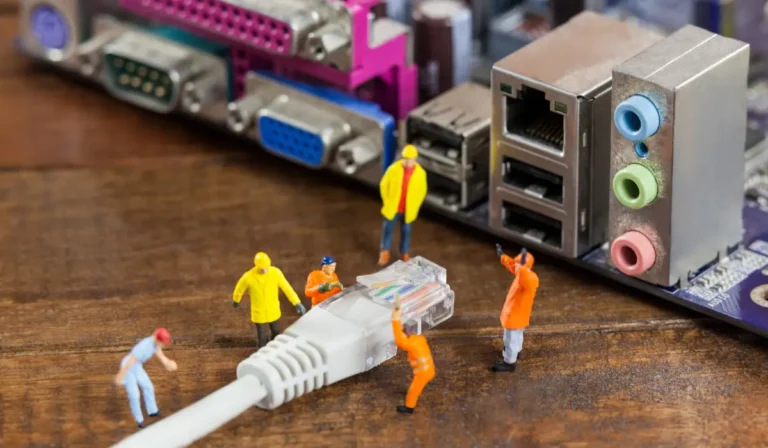
The Ethernet cables operate by sending the data in the form of electrical signals. It does it by a physical wire among the connected devices. In the time when you plug the cable into the router or your device, it makes a direct path of communication. The data, like the video, web pages, or game information, travels by this cable in organized packets.
Due to the connection being wired, the data approaches its destination quickly and very reliably. It reaches the destination with less interference than the wireless signals. This is the fact that Ethernet is trusted for stability and also for consistent network communication.
Inside An Ethernet Cable
Inside an Ethernet cable, there are small copper wires that are arranged in pairs. Each of the pairs is twisted together, which helps to cancel out the interference from nearby wires as well as the electronics. Think of it as the two strings wrapped around each other to remain balanced and also secured.
Some of the Ethernet cables also involve shielding. It is a thin protective layer that completely blocks outside electrical noise. It is similar to the cover around the wires.
Inside the cable you will find:
- The copper wire pairs for carrying the data
- The twisted design is used to decrease the interference
- The optional shielding provides some extra protection and also improves the signal clarity
How Data Travels Through The Cable
The data travels by an Ethernet cable in the form of electrical signals. When you send or receive the data or information, those signals move along with the copper wires in a controlled pattern. This then twists into the wire pairs to assist in keeping the signals clear. It also helps to prevent them from mixing with each other.
Well, your devices acknowledge all these signal patterns and then turn them back into the things you see. These include web pages, videos, or messages. Due to the fact that the path is direct and also physical, the data approaches its destination reliably without getting lost or distorted.
You May Like This: What Is an Ethernet Cable Used For?
Shielded & Unshielded Cables
The Shielded Ethernet cables involve extra protection to block the electrical interference in noisy environments. The Unshielded cables lack such a layer. But they are sufficient for most homes.
They provide reliable connections for day-to-day internet usage. Also for gaming and streaming without any added cost.
What Shielded Cable Means
The shielded Ethernet cable has an extra protective layer around the wires. This layer also blocks the electrical noise from the nearby devices, power cables, or machines.
The shielded cables are very helpful in places with a lot of electronics. These include offices or industrial areas, where the interference could impact the connection.
When Unshielded Cable Is Enough
The unshielded Ethernet cables do not have any extra protection. But they work very well in most of the homes.
For day-to-day internet usage, gaming, and streaming in any typical household, the unshielded cables offer reliable performance without any added cost or complexity.
How Routers And Devices Use Ethernet
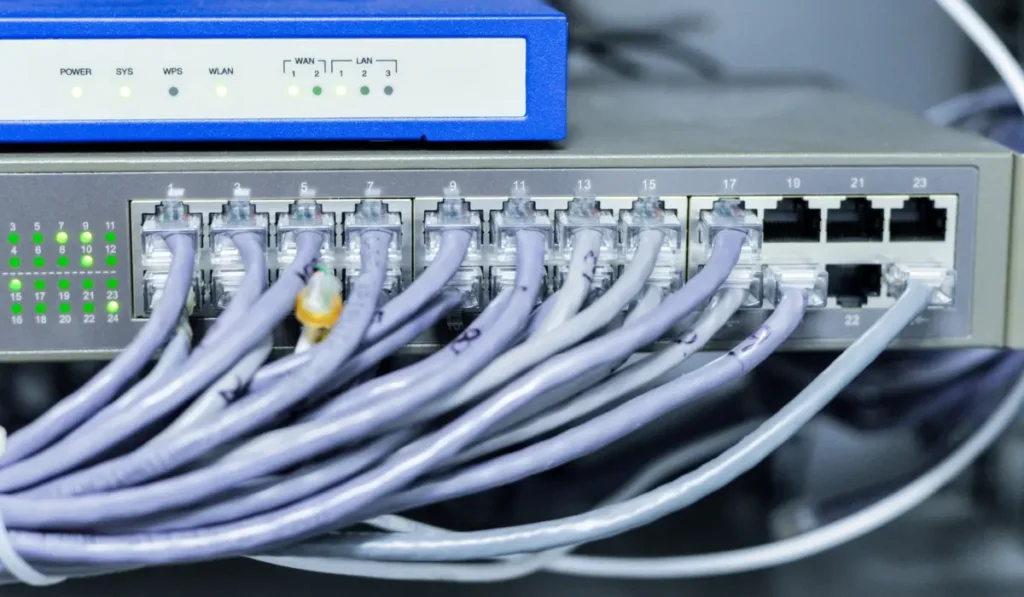
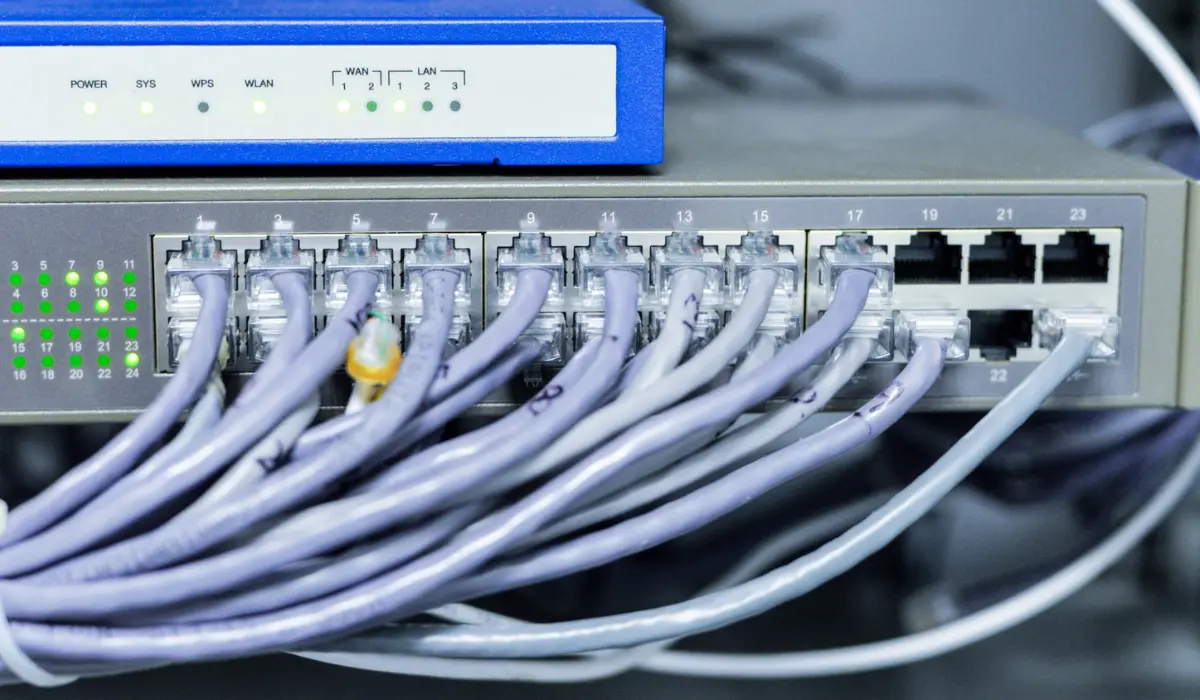
Routers as well as the devices connect utilizing the built-in Ethernet ports. These are designed for wired networking. When you plug in the Ethernet cable, the router and the device automatically detect each other and then negotiate how to communicate.
This involves agreeing on how the data flows and also maintaining a very stable connection. All of this happens very instantly in the background, without any of the user setup. Due to the fact that Ethernet is plug-and-play, the connection typically operates very soon after the cable is inserted.
This type of simplicity makes the Ethernet great for connecting computers, gaming consoles, smart TVs, printers, as well and other devices reliably.
Common Problems And Why They Happen
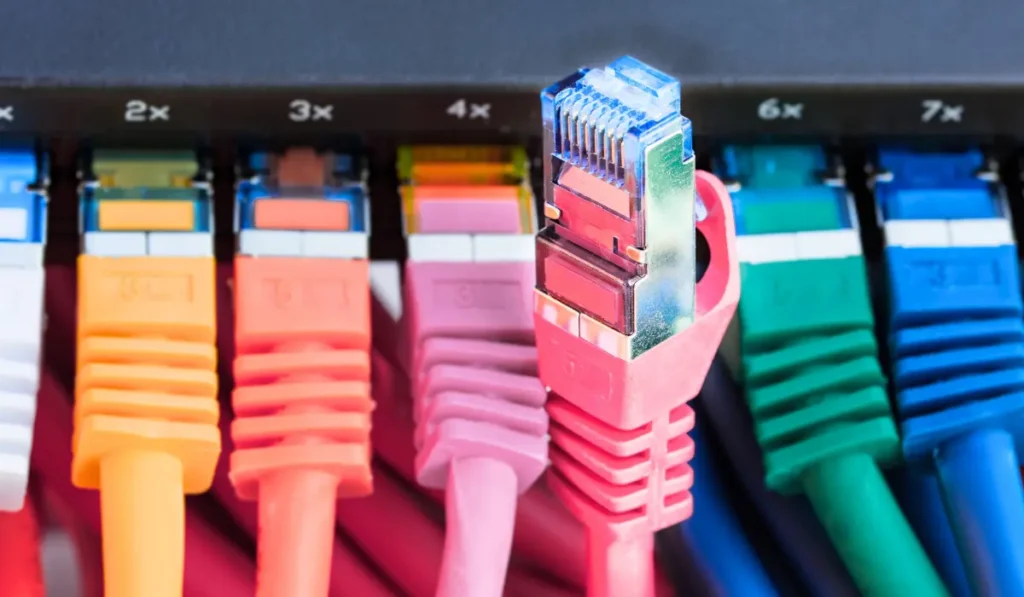
- Loose plugs: If the Ethernet cable is not completely clicked into the port, then the connection can become very unstable. Or it can also stop working. Smaller movements of the device or of the cable might result in frequent disconnections or slower response. This might happen specifically during gaming or during video calls.
- Damaged wires: The Ethernet cables can be harmed by bending, pulling, or being crushed under the furniture. The internal wire damage is often slightly invisible. But it can interrupt the signal flow, addressing random dropouts, decreased reliability, or overall connection failure.
- Cheap connectors: The lower-quality connectors might not fit the ports properly, or they can also wear out very quickly. Over time, they can also lose contact. It can also cause intermittent connections or might fail to deliver a stable wired link, even if the cable itself looks great.
Summary
The Ethernet cables offer a very reliable method to connect the devices to a network by a direct wired connection. Inside, the twisted copper pairs carry the electrical signals, sometimes along with shielding to decrease the interference. The Ethernet guarantees very stable and consistent connections.
It also makes it great for gaming, streaming, work, and for smart devices. Devices, as well as routers, communicate automatically through plug-and-play, simplifying the setup.
When Wi-Fi is convenient, Ethernet provides better reliability. It also provides fewer dropouts. For more on picking the right hardware, see our best Ethernet cable for gaming and streaming guide.
Typical errors, such as loose plugs, damaged wires, or cheap connectors, can impact the performance. But quality cables, utilized accurately, deliver dependable network connections.
FAQ’s
Is Cat8 overkill for home use?
Yes. The Cat8 cables are meant for the data centers along the ultra-fast networks. Several homes run greatly on the Cat5e, Cat6, or Cat6a for gaming, streaming, and browsing. The Cat8 is unnecessary for common household usage.
Is it better to use Ethernet or Wi-Fi?
The Ethernet provides very stable and reliable connections with lower lag. It is great for gaming, work, or streaming. The Wi-Fi provides mobility as well as convenience. But it might also face interference.
Can I just connect an Ethernet cable to my router?
Yes. Plug one end into the router. The other into your device. Several devices detect the connection on their own, making the Ethernet plug-and-play with none of the setup needed.
Will my internet be faster with an Ethernet cable?
The Ethernet guarantees very consistent and reliable speeds and also the least interruptions. While it would not exceed your ISP plan. It provides the maximum potential of your internet, specifically in the time of high-demand tasks such as gaming, streaming, or larger file transfers.