
Table of Contents
Well, the Ethernet cables are the simpler wires. These connect your devices directly to the internet. In this article, you will learn what the different Ethernet cables are, how they impact the speed and performance, and which ones make sense for regular usage.
Even with the faster Wi-Fi everywhere, Ethernet still matters due to the fact that it provides stable and reliable connections. These are for gaming, work, streaming, and home devices.
By the end, you will understand how to select the accurate Ethernet cable confidently. You will also know how to avoid buying something you do not actually require.
What Is an Ethernet Cable and What Is It Used For?
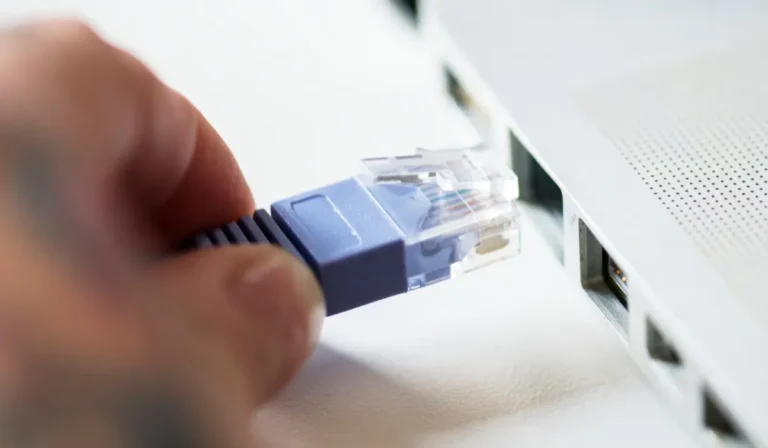
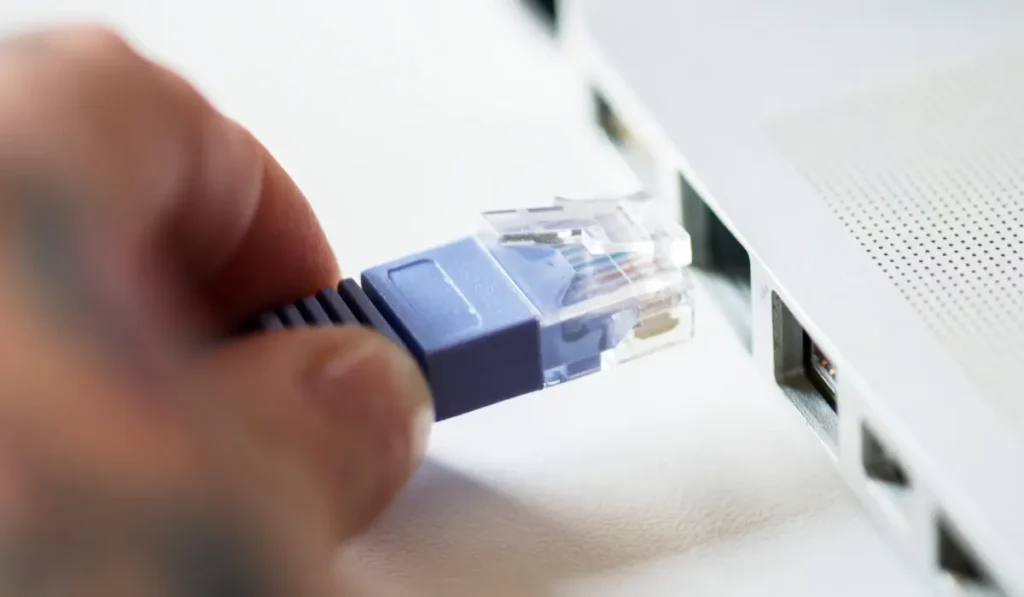
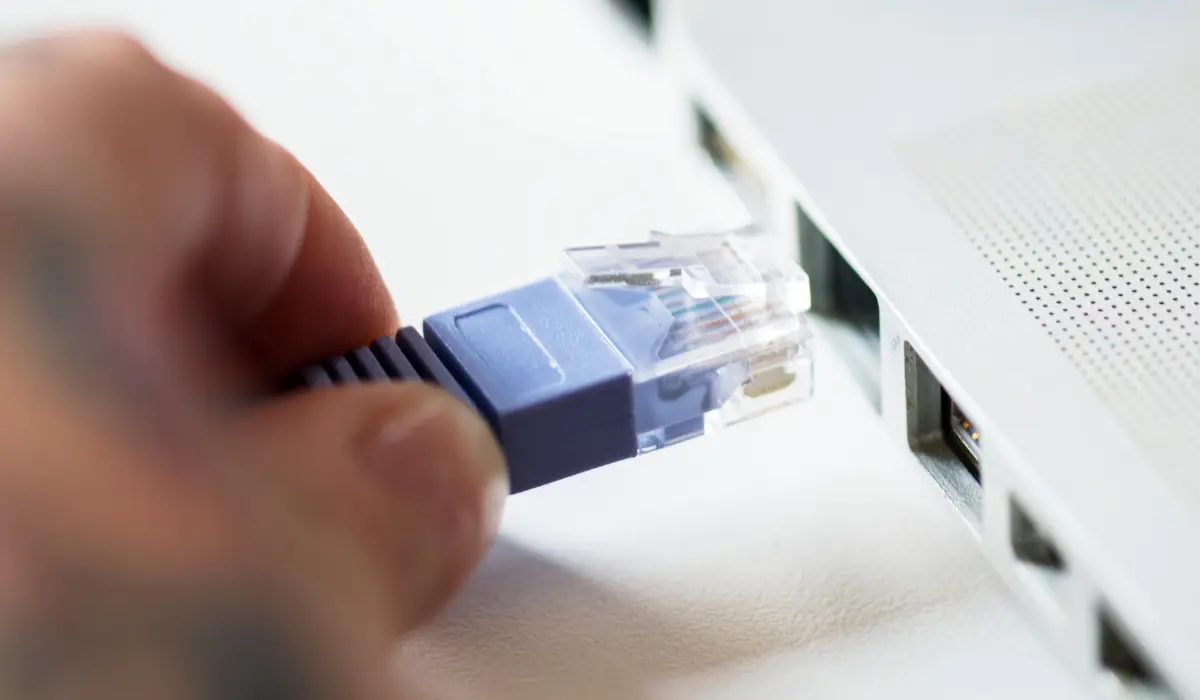
The Ethernet cable is the wire that connects the devices directly to each other or to the internet. It sends data through the cable instead of using wireless signals. This makes the connection steady and also dependable.
Several people still utilize Ethernet today due to the fact that it operates consistently. And operates with fewer interruptions than Wi-Fi. If you want a clearer breakdown of everyday uses, this comprehensive guide on what an Ethernet cable is used for explains it in simple terms.
It is commonly utilized at home, in offices, for gaming, and with smart TVs. Or it is also with the devices where a stable connection matters highly.
Uses you will see every day:
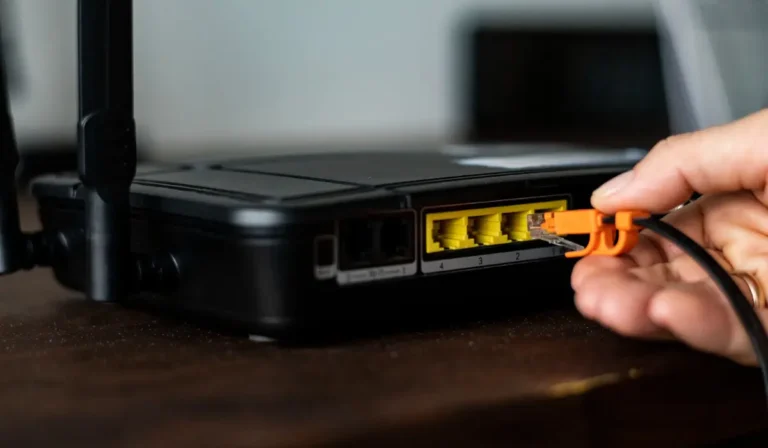
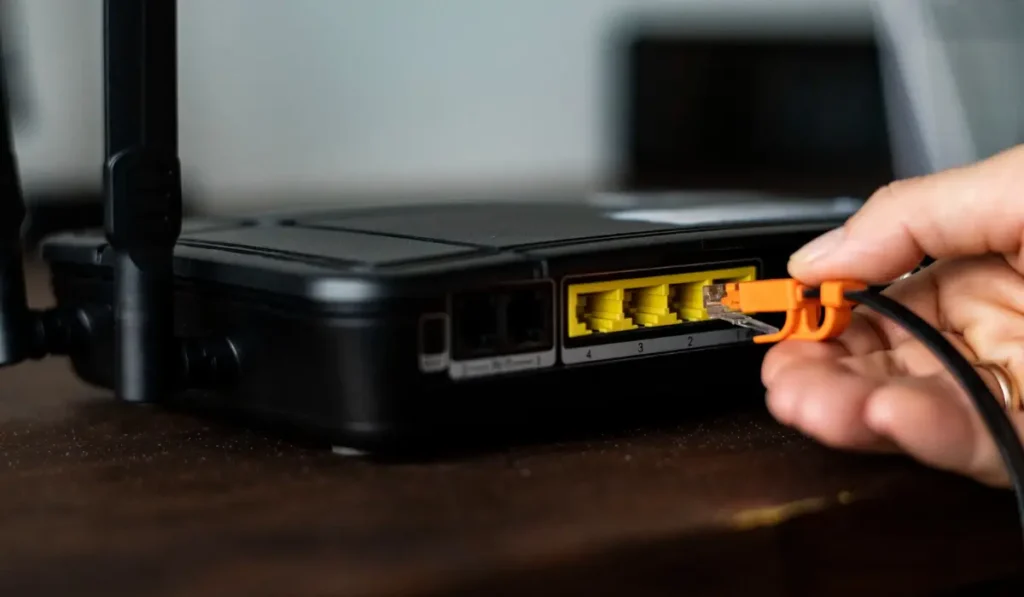
- Connecting routers as well as modems
- The Gaming consoles
- The Desktop PCs with laptops
- Smart TVs, as well as streaming devices
How Ethernet Cables Work?
Well, the working of the Ethernet cables is detailed below:
How Data Travels Through the Cable
Think of the Ethernet cable as the quiet road between your device and the internet. When you open the website or start any video, the information travels throughout the cable as small electrical signals.
The cable keeps all those signals secured. It also keeps them on track so they do not get mixed up or get lost.
Your router as well as device “talk” to each other by this cable, sending and receiving the information effortlessly and very reliably. It happens without any of the interruptions from walls or from the nearby devices.
What Controls the Speed
The Ethernet speed relies on multiple things working together. The cable assists, but it is typically not the main restriction.
- Your internet plan sets the maximum speed
- The router controls how information is shared
- Your device chooses how much it can manage
- The Ethernet cable assists with all of the things above
Types of Ethernet Cables and Which One You Should Use
There are several types of Ethernet cables, and all of them work great. It is very important to choose them wisely according to your needs. Details of the several types of cables are given below:
Cat5e
Cat5e is one of the most common Ethernet cables that are found in homes nowadays. It manages regular internet usage without any issues. And it is still widely supported.
- The typical speeds: up to about 1 Gbps
- Operates great for browsing, streaming, and casual gaming
- Not great for highly fast internet plans or any advanced setups
Cat6
Cat6 provides better performance than Cat5e. It is a very popular choice for advanced home networks.
- Quicker and a lot more stable than the Cat5e
- Ideal for gaming, streaming, and work-from-home usage
- It is affordable and is very easy to find
Cat6a
The Cat6a is an upgraded version of the Cat6, along with extra protection against any type of interference.
- Further better shielding for the cleaner connections
- It is great for the longer cable runs
- Often utilized in offices or in larger homes
Cat7
The Cat7 cables are structured for higher performance, but are typically unnecessary for home users.
- They are more expensive than the Cat6 as well as the Cat6a
- Built and designed for the advanced setups
- Overkill for common home internet requirements
Cat8
The Cat8 cables are usually made for professional environments such as data centers.
- These are designed for servers alongside the high-end networking
- Not required for the normal home or for gaming usage
- It is only worth considering in the rare and future-focused setups
Ethernet Speeds in Real Life (Not Just on the Box)
Ethernet speed relies on your internet plan, router, and the devices. Cable ratings show restrictions, not the guaranteed real-world performance at home.
Why Advertised Speeds Are Misleading
The speeds that are printed on the Ethernet cable boxes are the marketing numbers. These exhibit the maximum ability of the cable. They do not guarantee that you will see those speeds at home.
The real-world performance highly depends on your router, internet plan, devices, and how all the things work together. The higher-rated cable can not fix the limits anywhere in your setup.
Your Internet Plan Limits Everything
Well, your internet plan sets up the top speed that you can actually utilize. If you pay for about 200 Mbps, even the fastest cable or Ethernet would not provide you with 1 Gbps internet. Thus, the cable can only provide what your service offers, not create any extra speed.
When Faster Cables Actually Help
The faster cables matter in particular situations:
- Moving the larger files among the devices at homes
- Keeping the gaming connections further stable
- Also supporting very fast local networks, as well as modern routers
Shielded vs Unshielded Ethernet Cables
The difference between the shielded and the unshielded Ethernet cables is given below:
What Shielded Cables Do
The shielded Ethernet cables have an extra layer that secures the signal from any electrical interference. This matters in places, along with a lot of electronics or very heavy equipment that can disrupt the connections.
The shielded cables work best near the:
- Several power cables
- Factories or the workshops
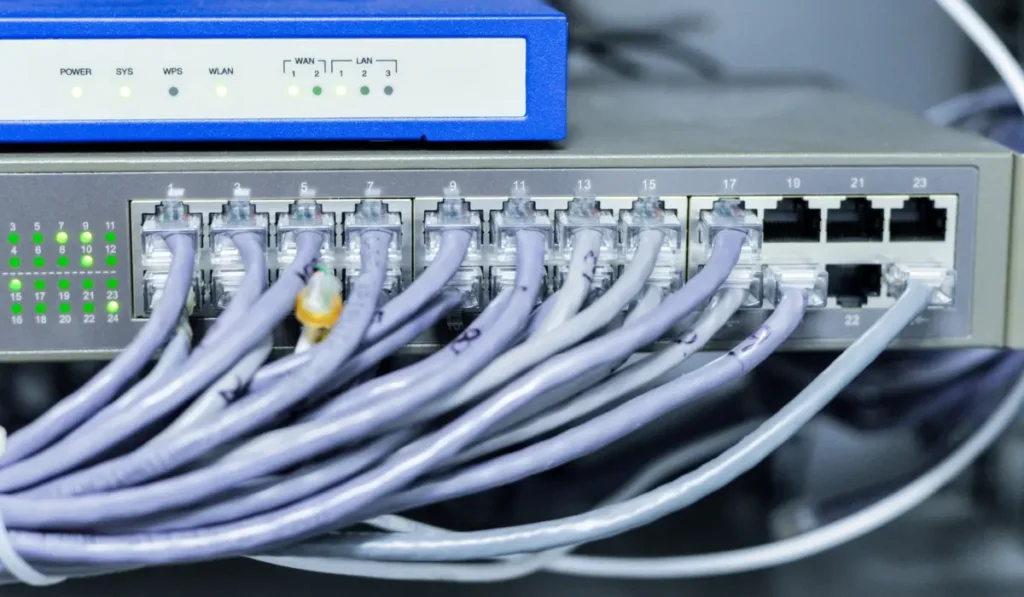
- The larger office networks
When Unshielded Is Enough
For most of the homes, the unshielded Ethernet cables work perfectly. They are much cheaper, flexible, and very easy to install.
In the normal home setups with the limited interference, the unshielded cables offer very stable and very reliable connections without any of the extra complexity.
Flat vs Round Ethernet Cables
The flat Ethernet cables are built for easy and convenient routing. They are very simple to hide. They work great in tighter spaces. Whereas the round cables focus more on durability as well as on longer-term reliability.
- Flat cables: They are easier to hide and also fit under carpets or doors. They also work great for the short runs.
- Round cables: They are very durable and further protected inside. They are suited for the longer-term or for permanent setups.
Using Ethernet Outdoors or Inside Walls
Outdoor Ethernet requires weather-rated cables for moisture security. Inside the walls require fire-rated cables with professional advice for safety.
Outdoor Ethernet
Utilizing the Ethernet outdoors needs very special care. The Standard indoor cables are typically not built to manage rain, heat, or cold. They can fail quickly when they are exposed to the weather.
The Outdoor-rated Ethernet cables are built to resist moisture as well as sunlight. Burning the day-to-day cables is very risky because the moisture can seep in and damage the connections. Then it can create longer-term reliability and safety errors.
Ethernet Inside Walls and Ceilings
For cables that run inside the walls or in ceilings, safety is essential. The fire-rated Ethernet cables are suggested because they decrease the fire risk.
They also meet the safety standards of the building. Cheaper or uncertified cables must not be utilized inside the walls, as they can be very unsafe. It is great to consult the professionals to guarantee safe and accurate cable choices.
Best Ethernet Cable Recommendations (Expert Picks)
- Best budget choice: The Cat6 Ethernet cable is a great budget option for most of the homes. It is very affordable and broadly available. It handles everyday internet, streaming, and gaming reliably without even overpaying.
- Best gaming choice: The Cat6a Ethernet cable is great for gaming because it provides a lot more stability. It also provides better protection from interference. It helps keep connections smooth during long gaming sessions. If gaming and streaming performance is your priority, this detailed guide on the best Ethernet cable for gaming and streaming explains what to look for in more depth.
- Best long cable: The Cat6a cable works very well for the longer runs around the home or around the office. It regulates the stable performance over distance. It is more reliable than the older cable types.
- Great future-proof option: The Cat8 Ethernet cable is the highly future-ready choice. It is not essential for several users today. But it might appeal to those planning the advanced networks later.
Common Ethernet Problems and Easy Fixes
Problem 1: The cable was not detected.
Fix: Try a different port, restart the router, or you can swap the cable.
Problem 2: Slower or inconsistent connection
Fix: Check for damaged cables, any tight connections, or utilize the higher-category cable.
Problem 3: The loose plug
Fix: Ensure that the cable clicks firmly into the port on both of the ends.
Problem 4: Interference or any signal drop
Fix: Keep the cables away from the power cords and from electronics. Or utilize shielded cables if required.
Problem 5: Device not considering the Ethernet
Fix: Restart the device and the router. Also, ensure that the network settings are correct.
Final Thoughts
Ethernet cables remain one of the simplest and most reliable ways to keep devices connected. They offer a level of stability and consistency that Wi-Fi cannot always match, especially when performance really matters. If you’re comparing the two, this guide on is Ethernet faster than Wi-Fi breaks down the differences clearly.
The key is choosing a cable based on your actual needs rather than marketing hype. By selecting the right type for gaming, streaming, or home networking, you can enjoy smoother performance and smarter upgrades that last longer.
FAQ’s
Is Ethernet still useful?
Ethernet would not magically make the internet faster than your plan permits. But it provides a steady connection along with fewer interruptions as compared to Wi-Fi.
Which of the cables should most people buy?
For the typical homes, the Cat6 or the Cat6a cable is a great choice. It is affordable, reliable, and handles gaming, streaming, and everyday internet usage easily.
How do I determine what Ethernet cable I need?
Start with your internet speed and how you use it. For browsing, streaming, and office work, Cat5e or Cat6 is more than enough. If you game online or transfer large files, Cat6 gives better stability. Also consider cable length, longer runs benefit from higher-quality cables.
Is Cat8 overkill for home use?
Honestly, yes. Cat8 Ethernet cables are built for data centers, not living rooms. Most home networks can’t even use Cat8’s full speed. For everyday internet, it won’t make things faster, just more expensive.
What is the 5-4-3 rule of Ethernet?
The 5-4-3 rule is an old networking guideline. It says a network should have no more than five segments, four repeaters, and three active segments. This rule mostly applies to older Ethernet systems and isn’t relevant for modern home or office networks.
Should I get a Cat6 or Cat7 Ethernet cable?
Go with Cat6 for most homes. It’s affordable, fast, and works perfectly with modern routers. Cat7 offers extra shielding, but many home devices don’t support it fully. Unless you’re future-proofing heavily, Cat6 is the smarter choice.