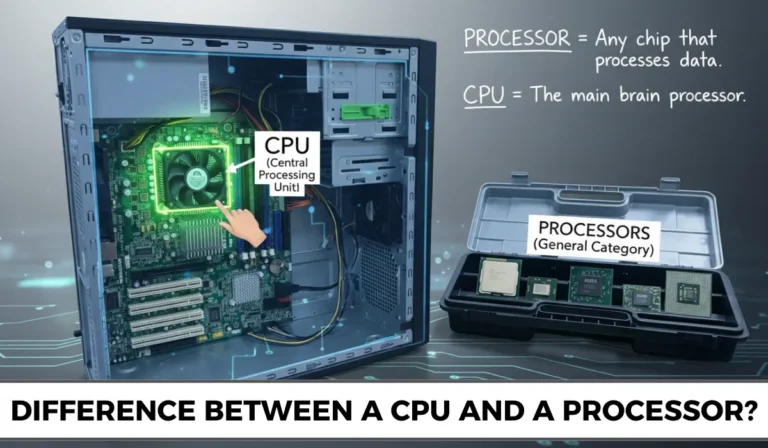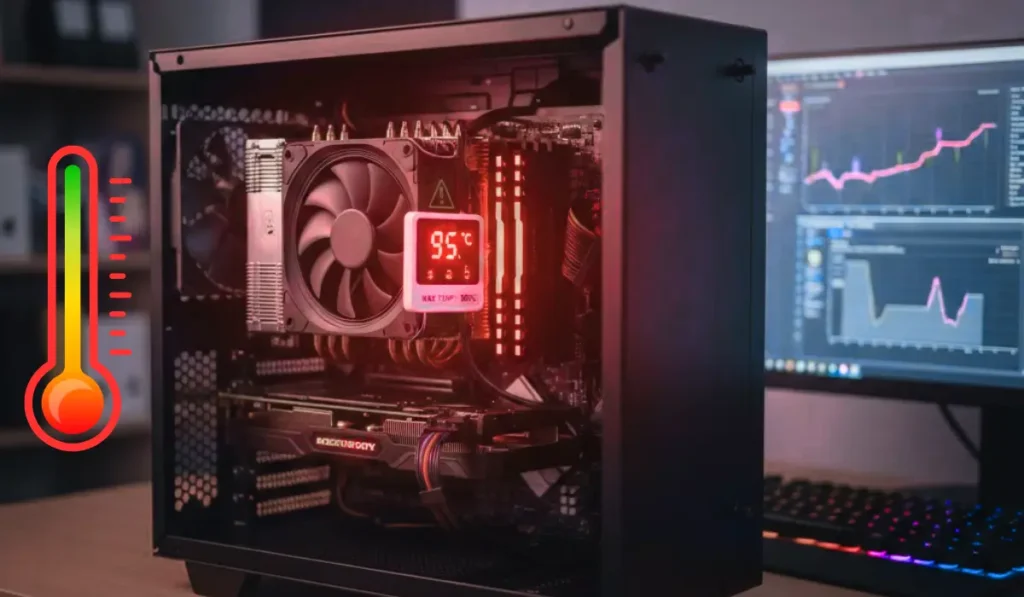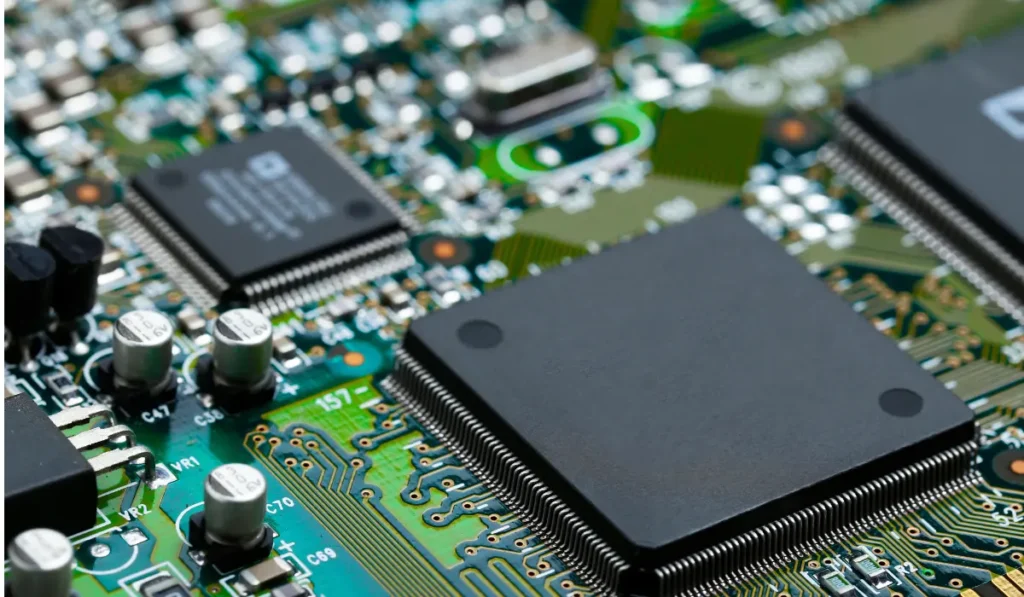

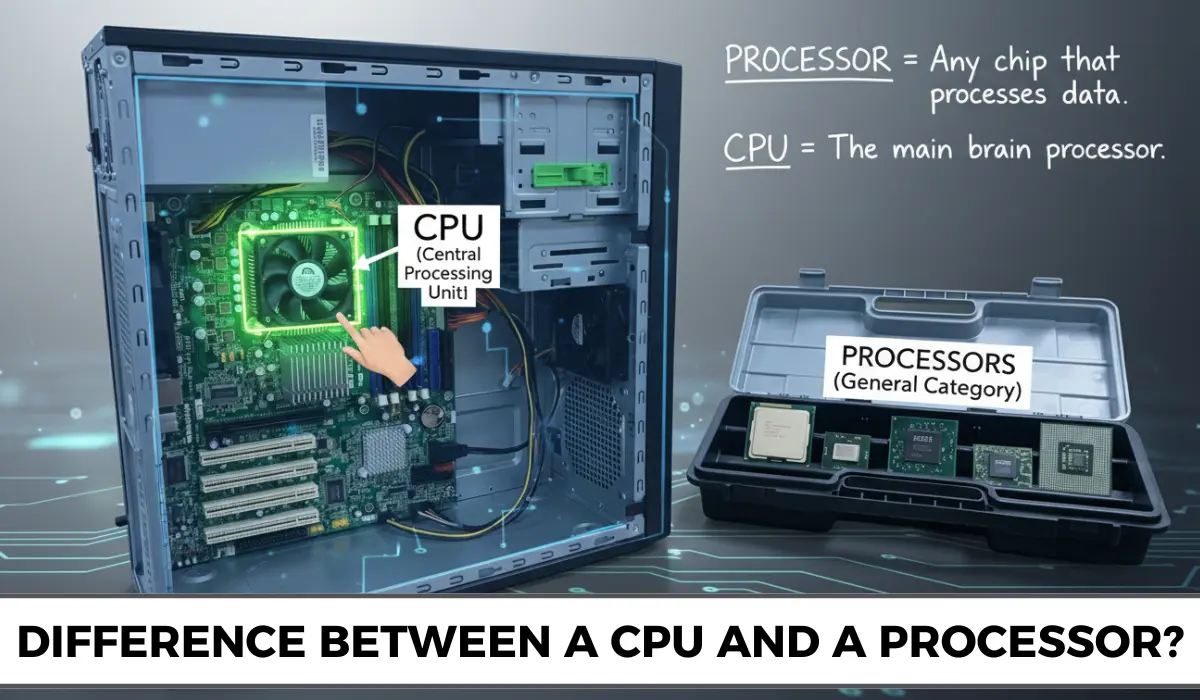
A CPU is a kind of processor, and all CPUs are processors, but not all processors are called CPUs. In day-to-day usage, both terms are often treated very similarly. That is why multiple people get confused between them. Technically, a CPU is only a particular type of processor.
This article thoroughly explains the difference in very simple, plain language by explaining what each of the terms means.
What kinds of functions they perform, several types of processors, as well as how such terms are utilized in real-world devices such as laptops, computers, and smartphones.
What Is a CPU and What Is It Used For
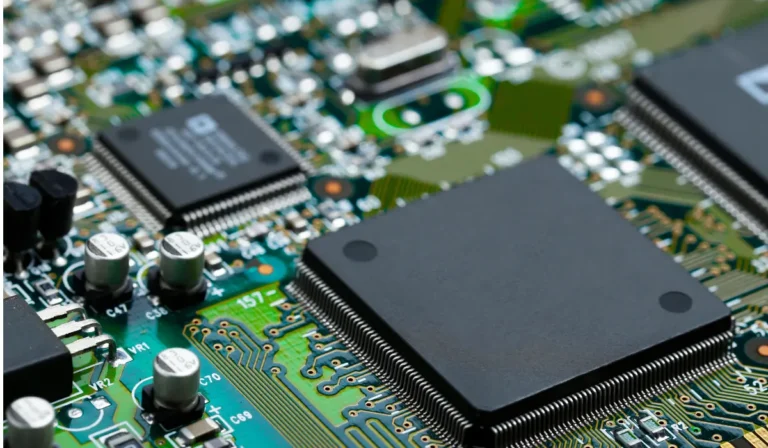
The CPU is also known as the Central Processing Unit, is the major chip in a computer that also performs most of the important computing work.
It is very responsible for reading the instructions from the programs, processing the data, as well as telling other components of the hardware, like the memory, the storage, as well as the input/output devices, what to do.
The CPU also handles tasks such as running applications, performing calculations, regulating system operations, as well as guaranteeing that software, along with the hardware, work together very effortlessly.
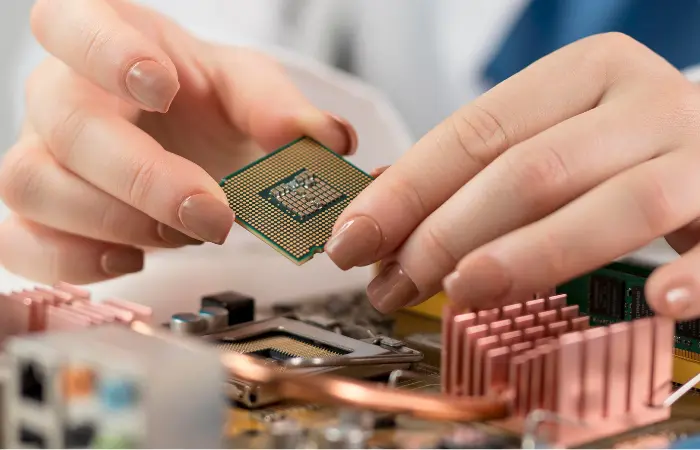
Whether you are opening a web browser, typing a document, or you are playing a game, the CPU is involved in making all those actions happen.
It is often also known as the “brain” of the computer, just because it controls and coordinates almost all of the activities in the system.
Just as the human brain processes the information as well as sends the signals to the body, the CPU processes the instructions and then addresses the rest of the computer to function accurately.
You May Like This: VGA Port vs Serial Port: What’s the Difference?
What Is a Processor and What Does It Do
The processor is a broad term that is utilized to explain the electronic chip that processes the data, alongside executing the instructions.
Well, its major job is to take the input, perform the calculation or also the operations on that data, as well as produce an output. In computing, the processors are built to control the particular type of tasks effortlessly.
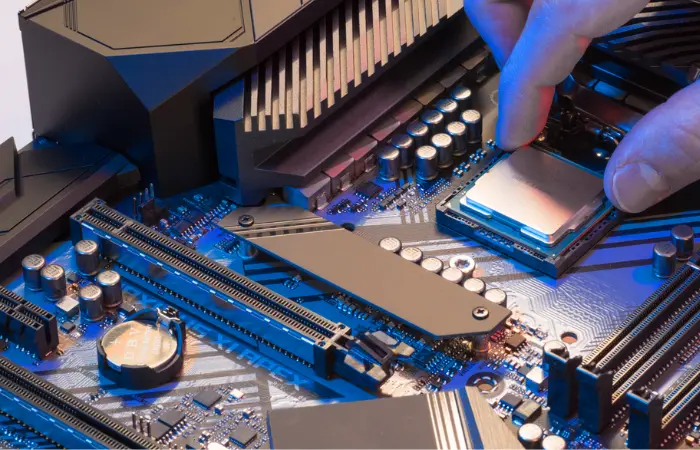
The CPU is a highly well-known type of processor, and it is responsible for general-purpose computing alongside running the operating system. Although most modern devices involve multiple processors, each of them is optimized for a specific function.
For instance, the GPU (Graphics Processing Unit) processes the images, videos alongside the graphics-intensive workloads, while the AI or neural processors handle the machine learning along with artificial intelligence tasks.
Other examples also involve the digital signal processors (DSPs) utilized for audio and also for video processing, along with microcontrollers utilized in embedded systems.
You May Like This: How to Check Motherboard Damage from the GPU?
Is a CPU and a Processor the Same
The CPU and the processor are not completely the same; therefore, they are very closely related to each other.
A CPU, Central Processing Unit, is a very particular type of processor that manages general computing tasks, alongside it also runs the operating system.
And a processor, on the other hand, is the broader term that refers to any of the chips that are capable of processing data as well as executing instructions.
For instance, a computer might have a CPU for regular tasks, the GPU for graphics processing, along with many other specialized processors for AI or for audio.
Every one of these is also a processor, but just the CPU plays the role as the main “brain” of the overall system.
Difference Between CPU and Processor Core
Well, the CPU is the complete processing unit that is installed in your computer. It also involves multiple components like the cores, cache memory, along the control circuits, all of which work together for the execution of instructions.
On the other hand, the processor core is the individual processing unit present inside the CPU. Each and every core can independently perform the calculations as well as run the tasks.
Single-Core vs Multi-Core
- Single-core CPU: It only has one core, which means it can handle one task at a time. The older computers utilized the single-core CPUs, which can become very slow while running several programs
- Multi-core CPU: It contains two or more cores, like dual-core, quad-core, and octa-core, etc., each of which can operate on different tasks at the same time. It makes the system faster and more efficient while multitasking or running demanding apps.
Difference Between CPU and Microprocessor With Examples
The CPU refers to the major processing unit that performs all of the calculations as well as controls the operations of the computer. It also explains the function, as it is the brain of the system.
Therefore, a microprocessor refers to the physical chip that consists of the CPU on a single integrated circuit. In modern devices, the CPU is more likely to be always implemented as the microprocessor.
Practical Examples
- Desktop/Laptop: Well, the CPU runs the operating system, as well as apps, as well as the everyday tasks such as browsing or documents.
- Smartphone: The mobile processor manages the apps, touch input, graphics, along battery efficiency.
- Gaming/Graphics Work: The GPU processor focuses on the visuals, games, alongside video rendering.
How a CPU and Processor Work Inside a Computer
Inside the computer, the CPU, along with the other processors, works together to follow the simple steps that then turn your actions into the results.
Such a process occurs very fast, but can also be acknowledged in a highly straightforward manner.
1. Instruction Handling
While you click any app, type on the keyboard, or you can also tap the screen, the computer receives the instruction.
The CPU reads all of these instructions from the memory and then acknowledges what is required to be done, like the opening of a file or performing any calculation.
2. Data Processing
Next, the CPU executes the overall instruction. It works on the data that is stored in the memory, then performs calculations, compares the values, or makes decisions.
If the task includes graphics or video, the CPU might also pass part of the work to the other processors, such as the GPU, to speed things up.
3. Output
After the step of processing, the result is then sent out as the output. This could be the text occurring on the screen, any program opening, any sound playing, or any file that is being saved.
The CPU guarantees that the correct result reaches the accurate component of the hardware.
You May Like This: Faulty Motherboard Symptoms: Diagnose & Fix Fast
Different Types of Processors Explained Simply
The processors come in multiple types, each of which is built to manage the particular tasks further effortlessly. In the time when they all process the data, their roles in the devices can change broadly.
CPUs (Central Processing Units)
The CPUs are the major processors in computers as well as laptops. They also manage the general tasks like running the operating system, opening the applications, browsing the web, along regulating the system operations.
CPUs are built to be versatile as well as can perform multiple types of tasks.
GPUs (Graphics Processing Units)
The GPUs are specialized processors and are built for graphics as well as for visual workloads. They handle the images, videos, animations, along gaming graphics.
GPUs are also broadly utilized for tasks such as video editing with artificial intelligence due to the fact that they can process multiple pieces of data at the same time.
Mobile Processors
The Mobile processors are built for smartphones as well as tablets. They aim for power efficiency to save battery life while still delivering greater performance.
Such types of processors often unite several components, like CPU cores, graphics, as well as AI features into a single chip to keep the devices compact as well as energy-efficient.
Embedded Processors
The embedded processors are found in the day-to-day devices such as the washing machines, cars, routers, along smart TVs.
They are structured to perform the specific tasks rather than any general computing and typically run quietly in the background without any direct user interaction.
What Affects CPU Performance in Real Use
While selecting or even comparing any CPU, the real-world performance highly depends on a few major and basic factors that matter mostly to the regular users, and not just the technical specs.
Number of Cores
The CPU cores exhibit how much of tasks any processor can manage at a time. Further cores are highly useful for video editing, multitasking, as well as for the content creation.
For the basic office work or for browsing, some cores are typically enough. Therefore, the professional and creative users take advantage of the higher core counts.
Clock Speed
The clock speed exhibits how quickly a CPU can process instructions. The higher speeds typically mean snappier performance in tasks that depend on a single-core power. It includes gaming as well as day-to-day applications.
Use Case Matters
The great central processing unit highly depends on how you utilize your computer. Gamers often require strong single-core performance, office users value smooth as well as efficient operation, while video editors or any designers benefit from multiple cores working together.
Selecting the CPU that highly matches your usage case guarantees even better performance without overspending.
You May Like This: Are AM5 Motherboards Compatible with AM4 CPUs?
How Much Does a Central Processing Unit Cost
The cost of any central processing unit (CPU) can also change broadly, highly depending on the performance, features, as well as intended usage.
Entry-level CPUs for basic tasks, such as web browsing, along with office work, can be highly affordable, in a time when high-end CPUs designed for gaming, content creation, or professional workloads can be even more expensive.
The prices change just because of factors like the number of cores, clock speed, the power efficiency, as well as additional technologies, including integrated graphics or AI acceleration.
The brand reputation alongside the generation also affects the price, as the newer models having the advanced features commonly cost more.
CPU vs Processor Summary Table
| Feature | CPU | Processor |
|---|---|---|
| Definition | The Central Processing Unit is the main chip that also runs the computer | Any kind of chip that processes the data as well as executes the instructions |
| Role | It handles the general computing tasks as well as controls the system operations | It performs particular or general processing tasks, highly relying on the type |
| Scope | It is a particular type of processor | It is a broad term that also involves CPUs, GPUs, mobile processors, and many more |
| Examples | Has Intel Core i5, AMD Ryzen 7, and Apple M1 | The CPU (Intel Core), GPU (NVIDIA RTX), Mobile SoC (Snapdragon), alongside the Embedded processor |
Final Verdict
We conclude that the CPUs are a kind of processor, but not all processors are called CPUs. In the time when the CPU plays the role as the main brain of a computer, the other processors, such as GPUs, mobile chips, or embedded units, manage the specialized tasks.
Acknowledging the difference assists you in making further smarter decisions when purchasing the hardware, comparing specifications, or also learning how the computers, as well as devices, work.
Understanding exactly what the CPU does, as well as how it differs from the other processors, guarantees you select the accurate chip for your requirements, whether it is gaming, office work, or creative projects.